Phiên bản mới nhất
Phiên bản
1.0.4
1.0.4
Cập nhật
tháng 7 22, 2025
tháng 7 22, 2025
Nhà phát triển
Markhor Co
Markhor Co
Danh mục
Tools
Tools
Nền tảng
Android
Android
Lượt tải
0
0
Giấy phép
Free
Free
Tên gói
com.markhorco.miracast
com.markhorco.miracast
Báo cáo
Báo lỗi
Báo lỗi
Tìm hiểu thêm về MiCast: Miracast Android to TV
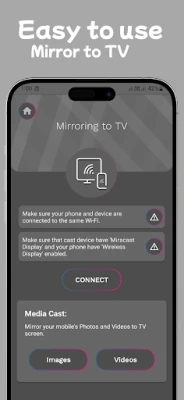
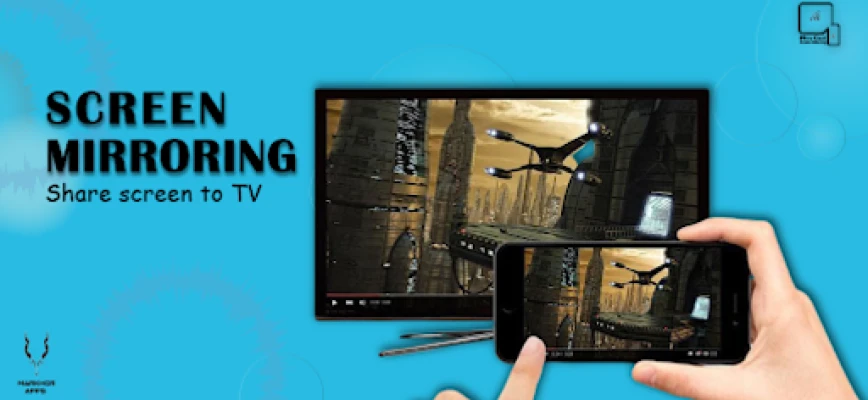
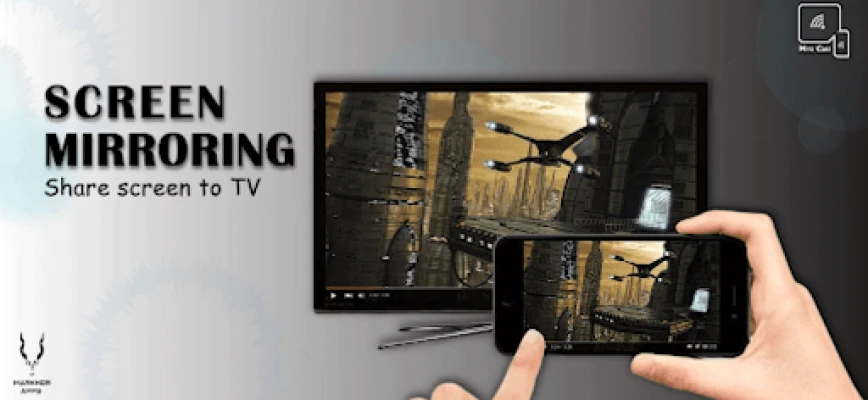
MiCast: Miracast Android to TV helps to High-definition content sharing on Wi-Fi devices everywhere. Screen Mirroring app helps you cast phone and tablet to TV fast and stably. It casts android device screen to TV screen by Wireless display device such as Smart TV or Wireless display adapters such as AnyCast, ChromeCast Amazon Cast product and many more.
How to use this App?
If your TV device supports Smart TV.
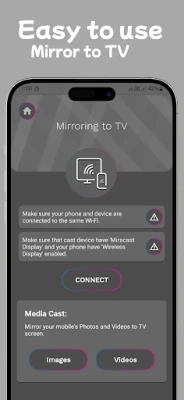
1. Check your TV weather it supports Smart TV or Wireless Display / Miracast.
2. Your device and TV must connect same network.
3. Click connect button on app and choose TV after searching.
HDMI Device Support Guide:
if your device is not supporting the wifi display technology.
1. Plug the main device into the HDMI port on your TV and switch.
2. Connect WiFi cable (micro USB head) to main device.
3. Plug USB cable into USB port OR an external USB power adapter.
4. You should see the main device page on TV.
Screen Mirroring - Miracast for TV:
1- Projects content from mobile devices to automobile infotainment systems.
2- Shares a laptop screen with a conference room projector in real-time.
3- Streams HD and 4K Ultra HD movies from a tablet to an HD television.
4- Shows pictures from a smartphone, computer, or tablet to a large screen television.
5- Support a wide range of audio/video formats to extend battery life in mobile devices.
Disclaimer:
Miracast | Screen Mirroring app is not affiliated with any of the trademarks mentioned here. Names used in this description are for demonstration purpose. All names are copyrighted to their owners like anyCast or ChromeCast is copyrighted to their own Inc.
If your TV device supports Smart TV.
1. Check your TV weather it supports Smart TV or Wireless Display / Miracast.
2. Your device and TV must connect same network.
3. Click connect button on app and choose TV after searching.
HDMI Device Support Guide:
if your device is not supporting the wifi display technology.
1. Plug the main device into the HDMI port on your TV and switch.
2. Connect WiFi cable (micro USB head) to main device.
3. Plug USB cable into USB port OR an external USB power adapter.
4. You should see the main device page on TV.
Screen Mirroring - Miracast for TV:
1- Projects content from mobile devices to automobile infotainment systems.
2- Shares a laptop screen with a conference room projector in real-time.
3- Streams HD and 4K Ultra HD movies from a tablet to an HD television.
4- Shows pictures from a smartphone, computer, or tablet to a large screen television.
5- Support a wide range of audio/video formats to extend battery life in mobile devices.
Disclaimer:
Miracast | Screen Mirroring app is not affiliated with any of the trademarks mentioned here. Names used in this description are for demonstration purpose. All names are copyrighted to their owners like anyCast or ChromeCast is copyrighted to their own Inc.
Đánh giá ứng dụng
Thêm bình luận & đánh giá
Đánh giá người dùng
Dựa trên 0 đánh giá
Chưa có đánh giá nào.
Bình luận sẽ không được duyệt nếu là SPAM, lạm dụng, lạc đề, dùng từ ngữ thô tục, công kích cá nhân, hoặc kích động thù ghét.










Xem thêm »

Ứng dụng phổ biến
Zalopay Thanh Toán Tích ThưởngZION JOINT STOCK COMPANY

FacebookMeta Platforms, Inc.

YouTubeGoogle LLC

Adobe Scan: Quét tài liệu, ảnhAdobe

ZaloZalo Group

Rakuten Viber MessengerViber Media

VNeIDTrung tâm dữ liệu quốc gia về dân cư

Duolingo: Học ngoại ngữDuolingo

MessengerMeta Platforms, Inc.

GPS định vị & theo dõi vị tríANKO Solutions LLC
Xem thêm »
Lựa chọn của biên tập viên
Adobe Scan: Quét tài liệu, ảnhAdobe

YouTube Kids 5Google LLC
YouTubeGoogle LLC
Duolingo: Học ngoại ngữDuolingo
VNeIDTrung tâm dữ liệu quốc gia về dân cư
Zalopay Thanh Toán Tích ThưởngZION JOINT STOCK COMPANY
ZaloZalo Group
FacebookMeta Platforms, Inc.
Rakuten Viber MessengerViber Media
WhatsApp BusinessWhatsApp LLC